You can receive ADS-B on a PC, but it has to stay on. A laptop sleeps when you close the lid, and a desktop uses a fair amount of power. A Raspberry Pi runs 24 hours a day on less power than a light bulb, and once it sits by the window there is little left to look after.
This guide goes in this order:
Get the parts
Assemble the Raspberry Pi
Install the antenna
Connect power and check reception
What you need
Part
Qty
Price (approx.)
Where
1090 MHz fiberglass antenna
1
≈ KRW 36,000
AliExpress
Antenna cable
1
≈ KRW 10,000
AliExpress
RTL2832U SDR receiver
1
≈ KRW 35,000
AliExpress
Raspberry Pi 3B (with cable and case)
1
≈ KRW 77,000
Naver
32 GB SD card (SanDisk)
1
≈ KRW 14,000
—
One complete receiver
≈ KRW 170,000
One complete receiver (one each of antenna, cable, SDR, Raspberry Pi and SD card) comes to about KRW 170,000.
Assembly
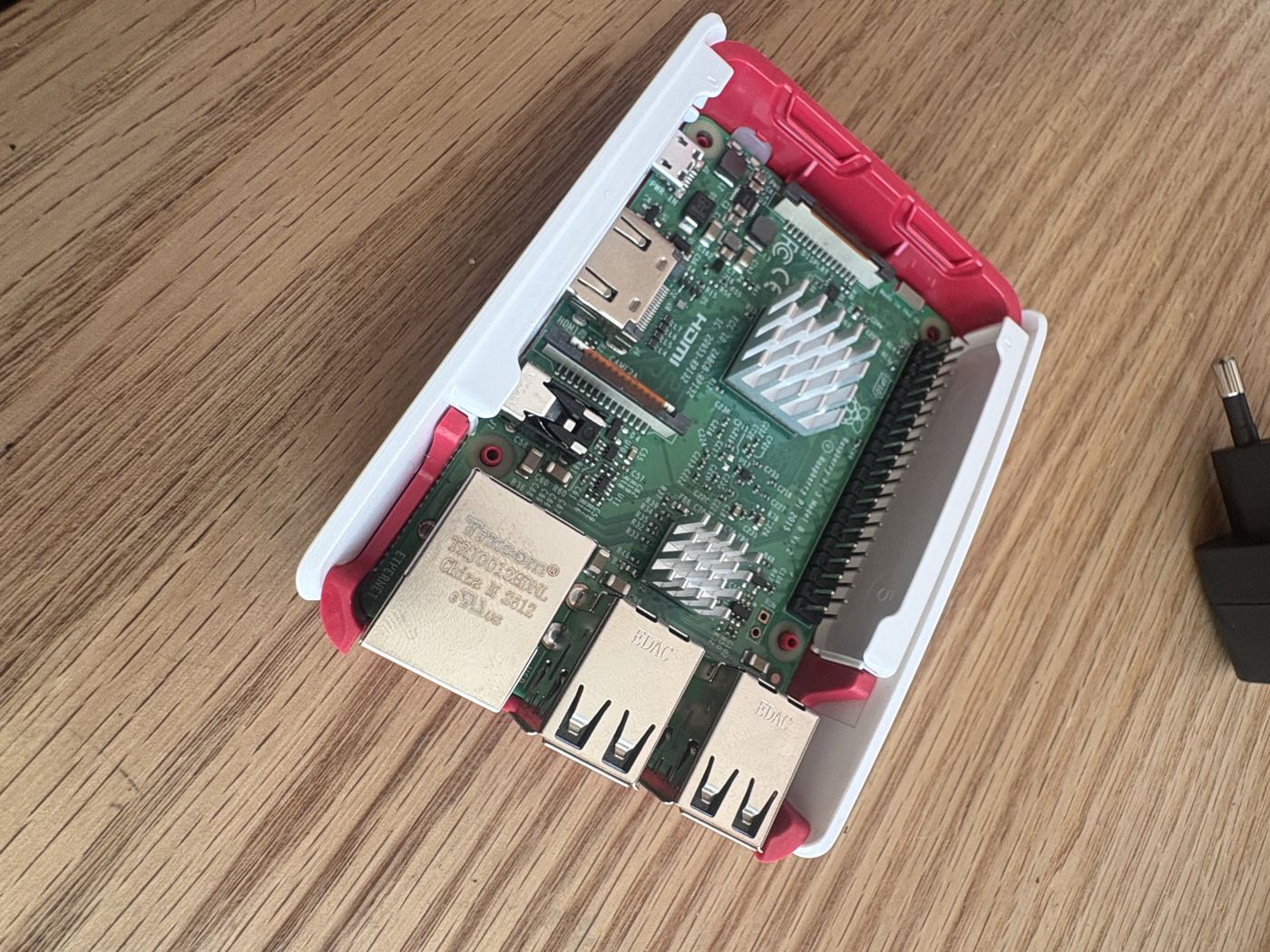
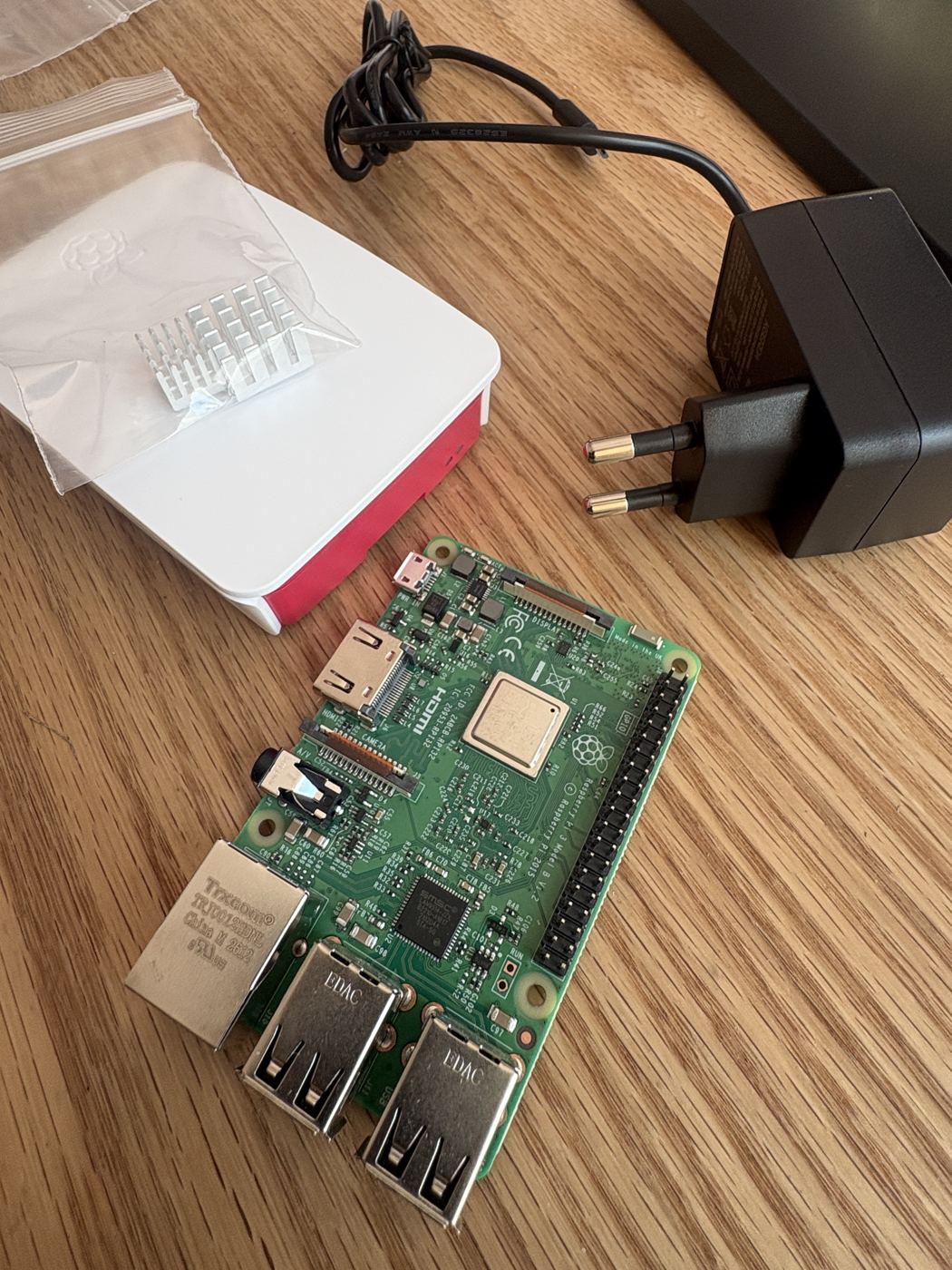
Take the Raspberry Pi board, case, heatsinks and USB power cable out of the box.
Raspberry Pi board, case, heatsinks and power cable out of the box
Stick the heatsinks on the chips — the largest goes on the main processor (the big chip in the middle), the two small ones on the smaller chips beside it. Peel off the adhesive backing and press.
Seat the board in the bottom of the case and close the lid. Check that the Ethernet and USB ports line up with the openings.
Board with heatsinks going into the case
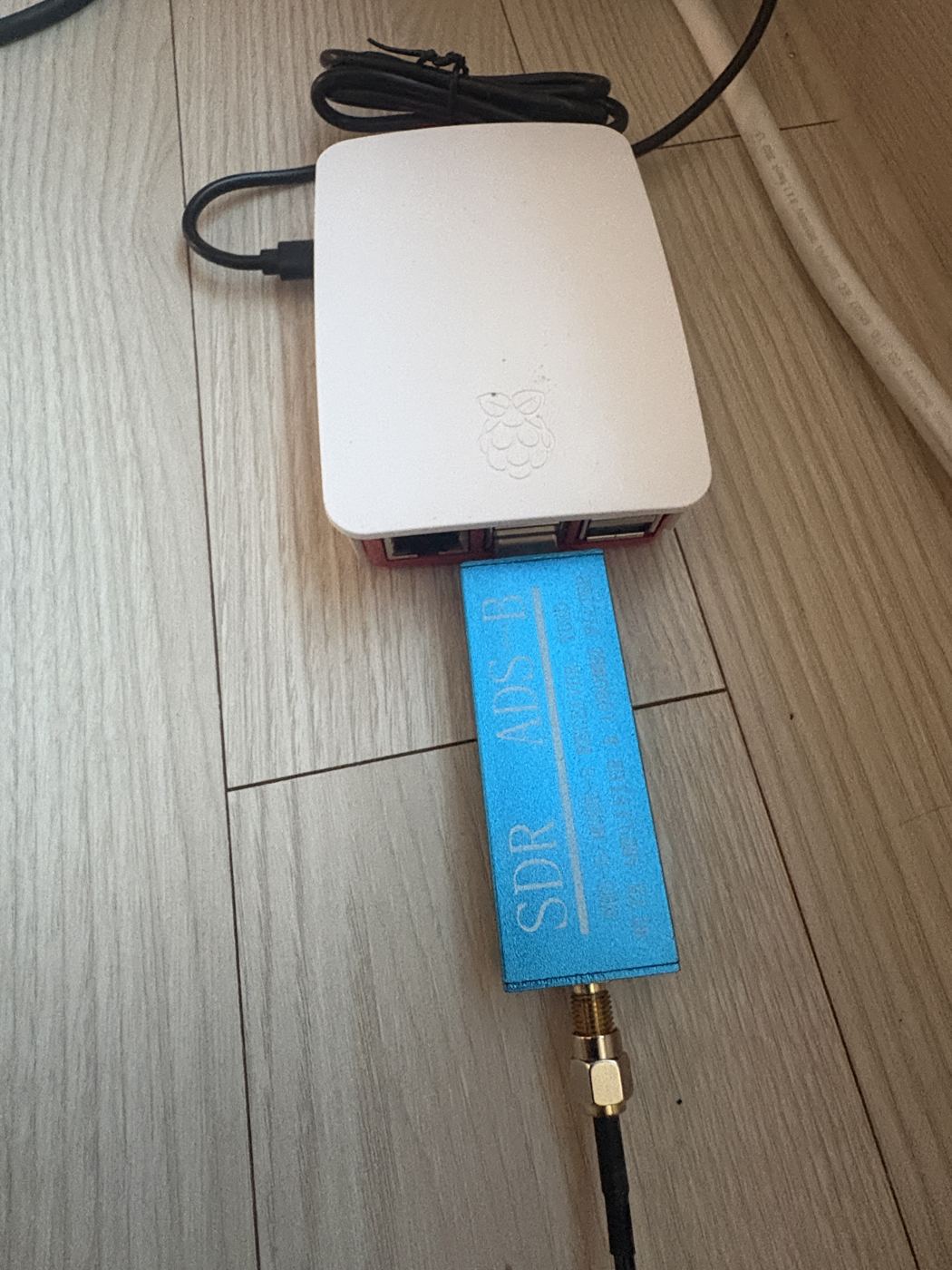
Plug the SDR dongle (the blue one marked “SDR ADS-B”) into a USB port on the Raspberry Pi. It is fine next to other USB devices such as a keyboard.
SDR dongle plugged into the Raspberry Pi
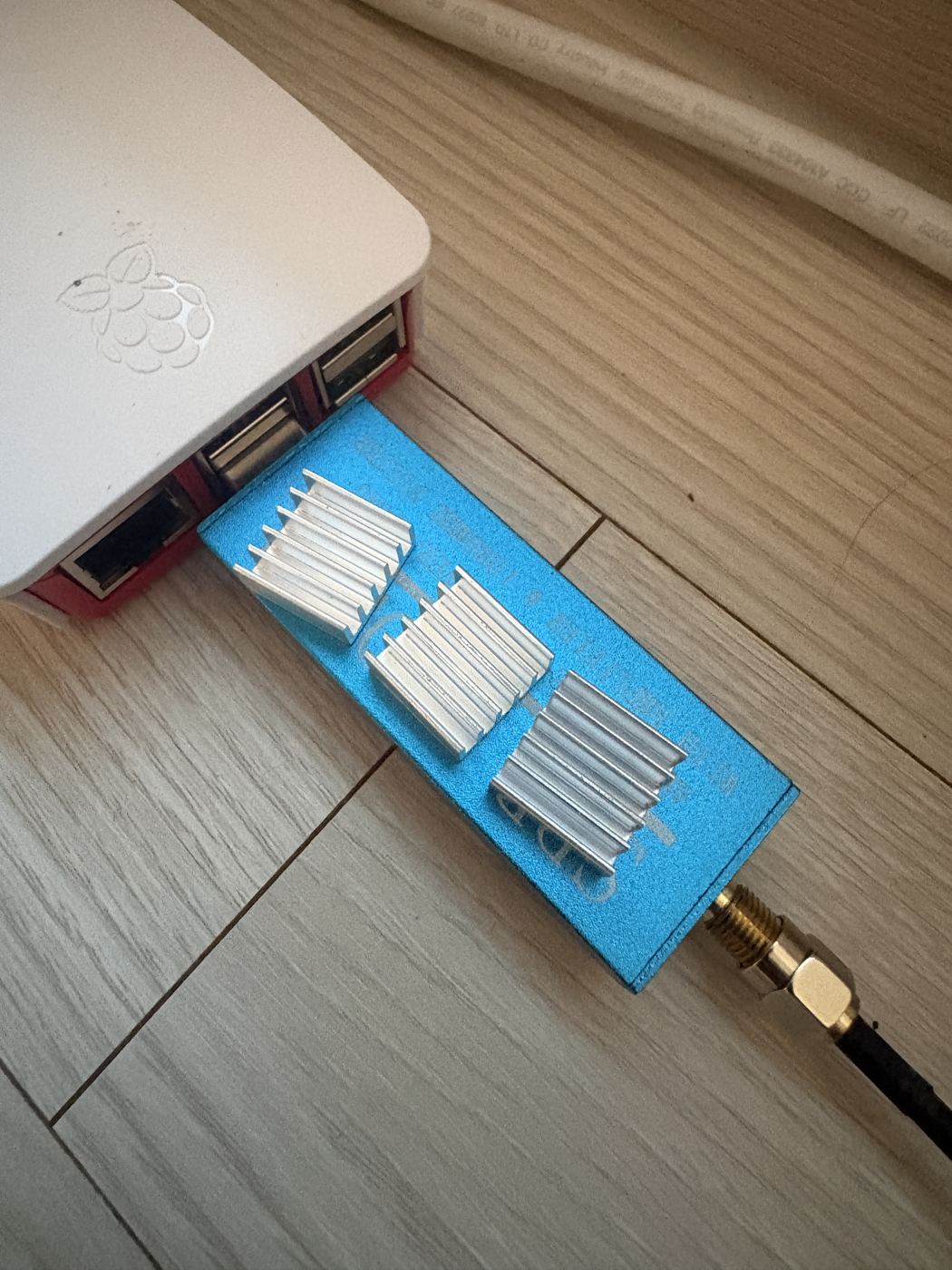
Screw the end of the antenna cable (SMA connector) onto the SDR dongle by hand. No tools needed — finger-tight is enough.
Antenna cable connected to the SDR dongle
Installing the antenna
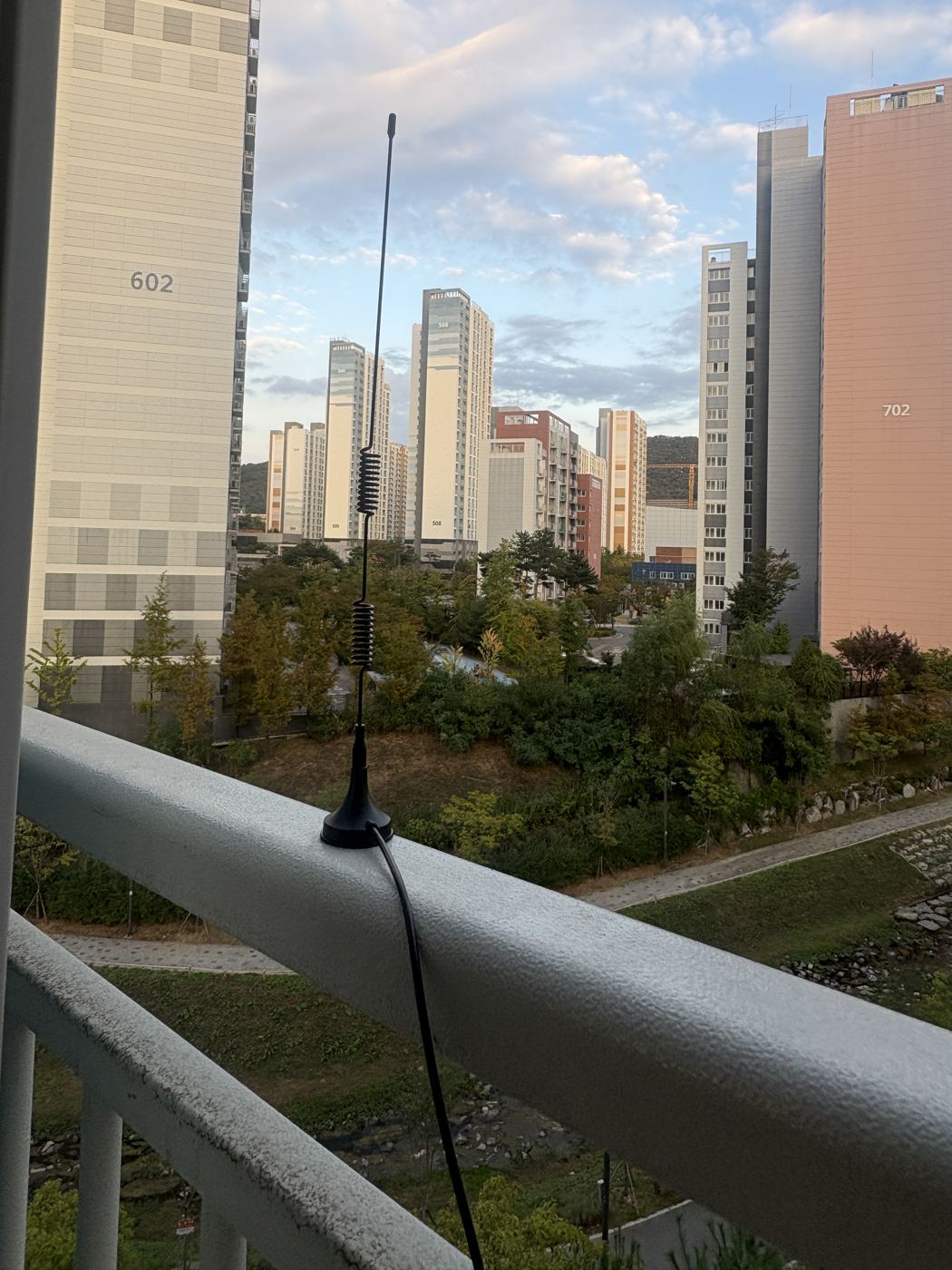
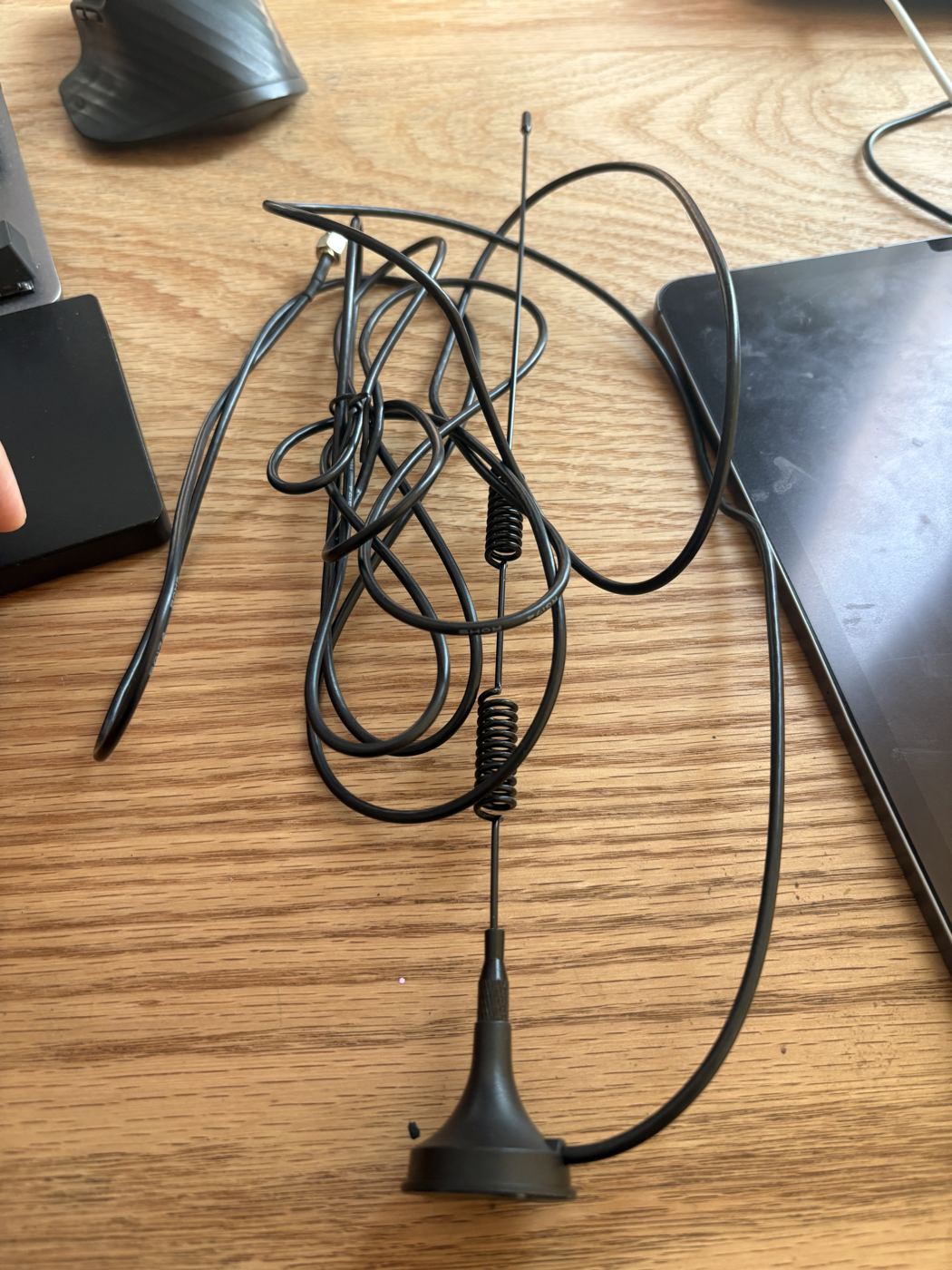
The 1090 MHz antenna — the two coils in the middle are part of the antenna
Put the magnetic base on a piece of metal larger than your palm, such as a balcony railing. The metal acts as the other half of the antenna (ground plane); standing it on wood or plastic noticeably reduces reception.
Place it where the sky is wide open, outside the window or railing. Outside the insect screen is better than inside.
Always stand the antenna vertically. Aircraft antennas are vertical too — tilting it loses more than half the signal.
The coils (the spring-like parts) are part of the antenna. Do not cut or stretch them.
When bringing the cable indoors, leave some slack but do not let it run long — the longer the cable, the more signal is lost (shorter is better).
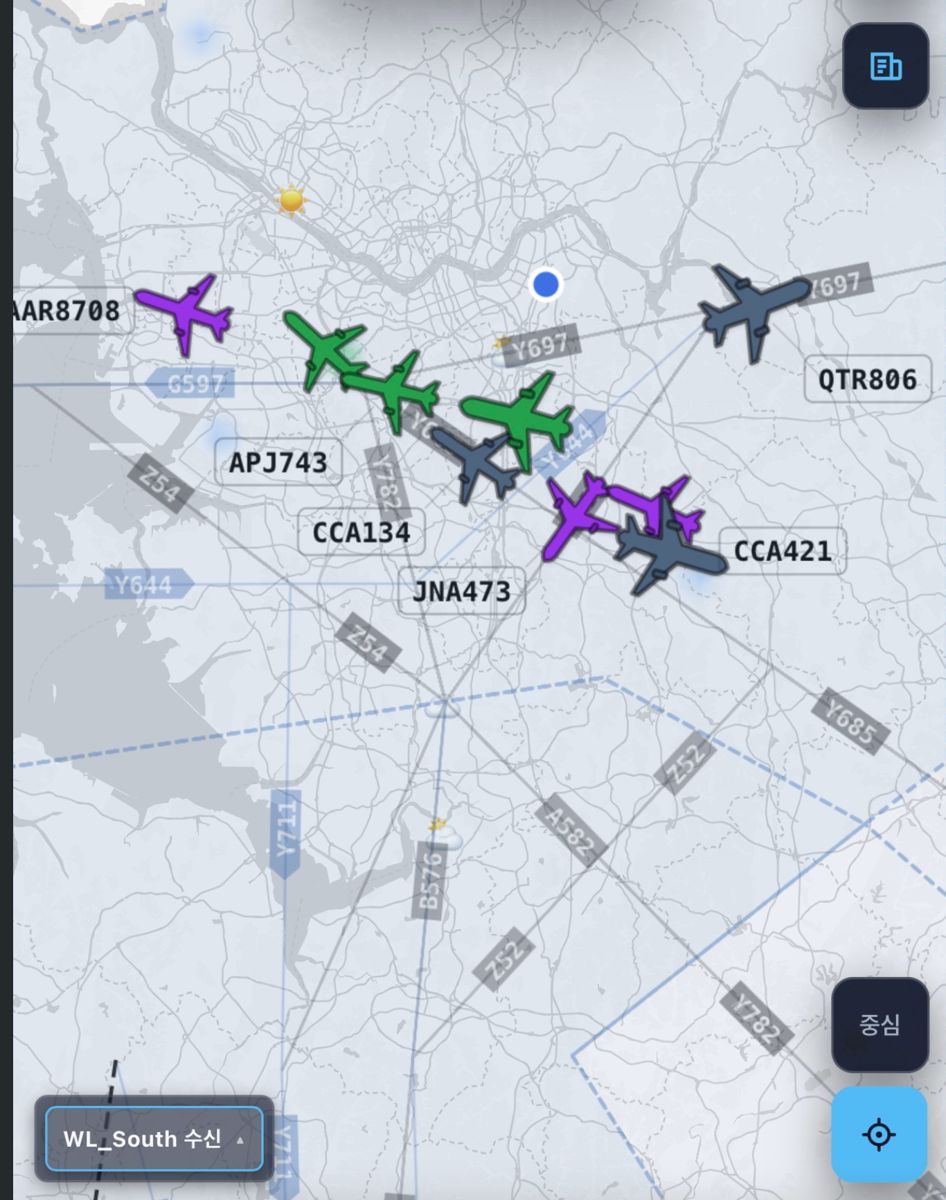
Finished installation — antenna standing vertically on a balcony railingThe AeroNexus map after setup — aircraft received by my receiver shown in green
Power and checking
Plug the power adapter into the Raspberry Pi and it starts automatically. Installing Raspberry Pi OS on the SD card and adding the AeroNexus settings are covered in a separate guide; this one covers only the hardware assembly and antenna installation.
If you need a ready-made Raspberry Pi SD card setup, contact us and we will prepare one for you.
Next step
Once the Raspberry Pi is receiving aircraft, connect it to AeroNexus as a feeder so others can see it too. Sign in to AeroNexus, apply as a feeder, and paste the one-line command shown on screen.
 AeroNexus